
How to Find and Cancel Subscriptions You No Longer Use

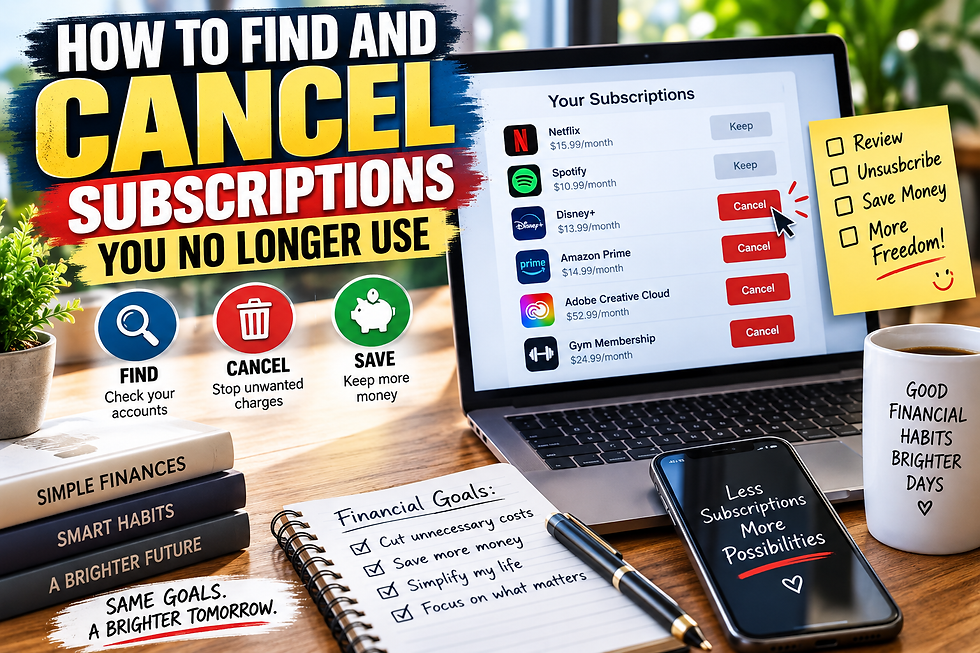
Subscriptions can make everyday services more convenient, but they are also easy to forget. A streaming service you rarely watch, an old app, or a free trial that quietly became a paid membership can continue taking money from your account month after month.
You do not need a complicated system to clean them up. A quick review of your accounts can help you identify subscriptions you no longer use and decide which ones are still worth paying for.
Review Your Bank and Credit Card Statements
Start by looking through recent bank and credit card statements. Review at least a few months so you can catch subscriptions that are billed quarterly or less frequently.
Look for recurring charges from streaming platforms, apps, software, memberships, cloud storage, delivery services, and other companies. If you do not recognize a charge, search the merchant name before assuming it is something you should cancel.
Make a simple list of each subscription, its cost, and how frequently you are charged.

Check Your Phone’s Subscription Settings
Some subscriptions may not appear under the service's name on your statement because they are billed through an app store.
Check the subscription settings connected to your Apple or Google account. You may find apps, games, storage plans, or premium services you signed up for months ago.
Pay attention to free trials as well. If you do not plan to continue using a service, check when the trial ends and cancel before the paid billing period begins.

Search Your Email for Receipts
Your inbox can help uncover subscriptions you may have forgotten. Search terms such as “subscription,” “membership,” “renewal,” “receipt,” “free trial,” and “payment.”
You can also search for messages containing phrases such as “your plan” or “next billing date.” These searches may reveal services that are billed annually and therefore easy to miss when reviewing only a recent bank statement.

Decide What You Actually Use
Once you have a complete list, consider how frequently you use each service.
A subscription does not automatically need to be canceled simply because it costs money. Instead, think about whether you still use it enough to justify the expense.
Be especially careful with overlapping services. You might discover that you are paying for several streaming platforms, cloud storage plans, fitness apps, or other subscriptions that provide similar benefits.
Cancel Through the Correct Account
When you decide to cancel something, sign in through the service's official website or the app store where you originally subscribed. Look under account, billing, membership, or subscription settings.
Read the cancellation details before confirming. Some services end access immediately, while others let you continue using the subscription until the end of the current billing period.
Keep the cancellation confirmation email or take a screenshot for your records.
Check Your Statements Again
Canceling a subscription should not be the end of the process. Review your next bank or credit card statement to make sure the recurring charge has stopped.
If you are charged again unexpectedly, check the cancellation terms and contact the company if necessary.
Consider repeating this subscription review every few months. A short check can prevent forgotten memberships from quietly becoming long-term expenses.
Final Thoughts
Finding unused subscriptions is mostly about knowing where to look. Bank statements, credit card activity, app store settings, and email receipts can help you build a clear picture of your recurring expenses.
Cancel what no longer provides enough value, keep records of your cancellations, and check future statements. A simple subscription cleanup can reduce unnecessary spending without requiring major changes to your budget.
Comments