
Learning Technology After 60 Without Feeling Overwhelmed

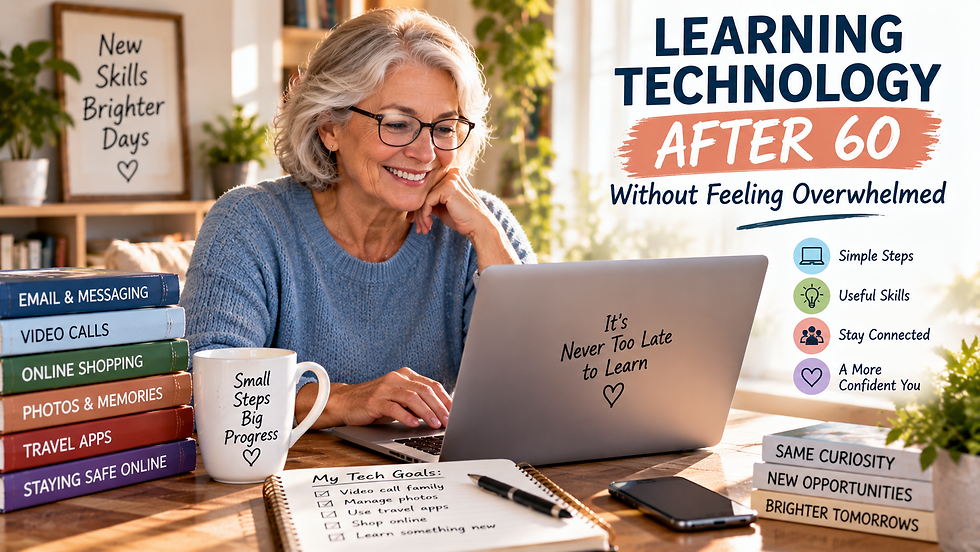
Technology changes quickly. New phones, apps, websites, and devices seem to appear constantly, and keeping up can sometimes feel like a full-time job. If you are over 60, you may wonder whether learning all of it is worth the effort.
The good news is that you do not need to understand every new gadget or feature. Technology should make everyday life easier, not more complicated. By focusing on what is useful to you and learning one thing at a time, you can become more comfortable without feeling overwhelmed.
Start With Something Useful
Do not begin by trying to learn everything your phone or computer can do.
Choose one skill that would genuinely improve your daily life. You might want to video call your grandchildren, order groceries online, manage photos, use navigation while traveling, or listen to audiobooks.
Having a clear reason to learn makes technology feel more practical. Once you become comfortable with one task, you can move on to another.

Learn One Step at a Time
Trying to remember several new features at once can quickly become frustrating.
Break each task into small steps. If you want to learn video calling, start by opening the app. Next, learn how to find a contact. Then practice starting and ending a call.
Repeat each step until it feels familiar. There is no need to rush simply because someone else can do it faster.

Write Down What Works
You do not have to rely on memory while learning.
Keep a small notebook near your computer or write simple instructions for tasks you use regularly. Include passwords only in a secure password manager rather than leaving them written where someone could easily find them.
Your notes can include steps for joining a video call, finding downloaded files, adjusting settings, or using a favorite app. Over time, you may notice that you need the instructions less frequently.
Ask Someone to Show You
Learning technology can be easier when someone demonstrates it in person.
Ask a patient friend, family member, or instructor to guide you through a task. Instead of letting them take over the device, ask them to explain each step while you do it yourself.
Libraries, community centers, senior programs, and local classes may also offer opportunities to learn basic technology skills in a relaxed setting.
Practice Digital Safety
Confidence with technology also means knowing when to be cautious.
Use strong, unique passwords, enable multifactor authentication when available, and keep devices updated. Be careful with unexpected messages asking you to click links, send money, provide passwords, or share personal information.
If something seems suspicious, stop before responding. Taking extra time to verify a message is better than reacting quickly.

Give Yourself Permission to Make Mistakes
Everyone taps the wrong button sometimes.
Making a mistake does not mean you are bad with technology. Most everyday errors can be corrected, and experimenting is often how people learn what their devices can do.
The goal is not to become a technology expert. It is to feel comfortable using the tools that matter to you.
Start with one useful skill, practice it until it becomes familiar, and then choose the next one. With patience and repetition, technology can become less intimidating and much more useful.
Comments